XL-3203,3204Q 4 heads indoor/outdoor printer Overview
The XL-3203,3204Q 4 heads indoor/outdoor printer is designed for buyers who need a full-width printing platform for large graphics, but do not want the limits of small desktop equipment. In a print shop or sign production workflow, the main problem is often simple: how to produce long, high-visibility graphics efficiently while keeping media handling stable and operator control practical. This type of large-format industrial printer addresses that need with a floor-standing frame, integrated stand, front-access printing area, and a built-in control panel for day-to-day operation.
Based on the visible structure, this machine is intended for wide-format digital production. It appears suitable for banners, posters, signage, vehicle graphics, trade show displays, and other large-area printed media. Because some technical details are not visible, specifications such as print width, ink chemistry, print speed, and resolution should be confirmed directly before purchase. Still, the overall layout clearly shows a machine built for production use rather than occasional office printing.
What this printer is designed to solve
Large-format printing usually creates three practical challenges: keeping long media aligned, handling heavier rolls or sheets without distortion, and maintaining operator control during production runs. The XL-3203,3204Q 4 heads indoor/outdoor printer is built around those needs. Its long horizontal body supports wide media handling, while the stand and casters make it easier to position the printer in a shop layout. For businesses that switch between short runs and repeated production jobs, that kind of mechanical stability matters as much as the graphics output itself.
For sign makers and commercial print operators, a printer like this can also help reduce workflow friction. Front loading, visible internal carriage movement, and a side control interface make setup and monitoring more straightforward than on compact systems. That is especially useful when jobs require frequent media checks or adjustments during a production day.
Product overview
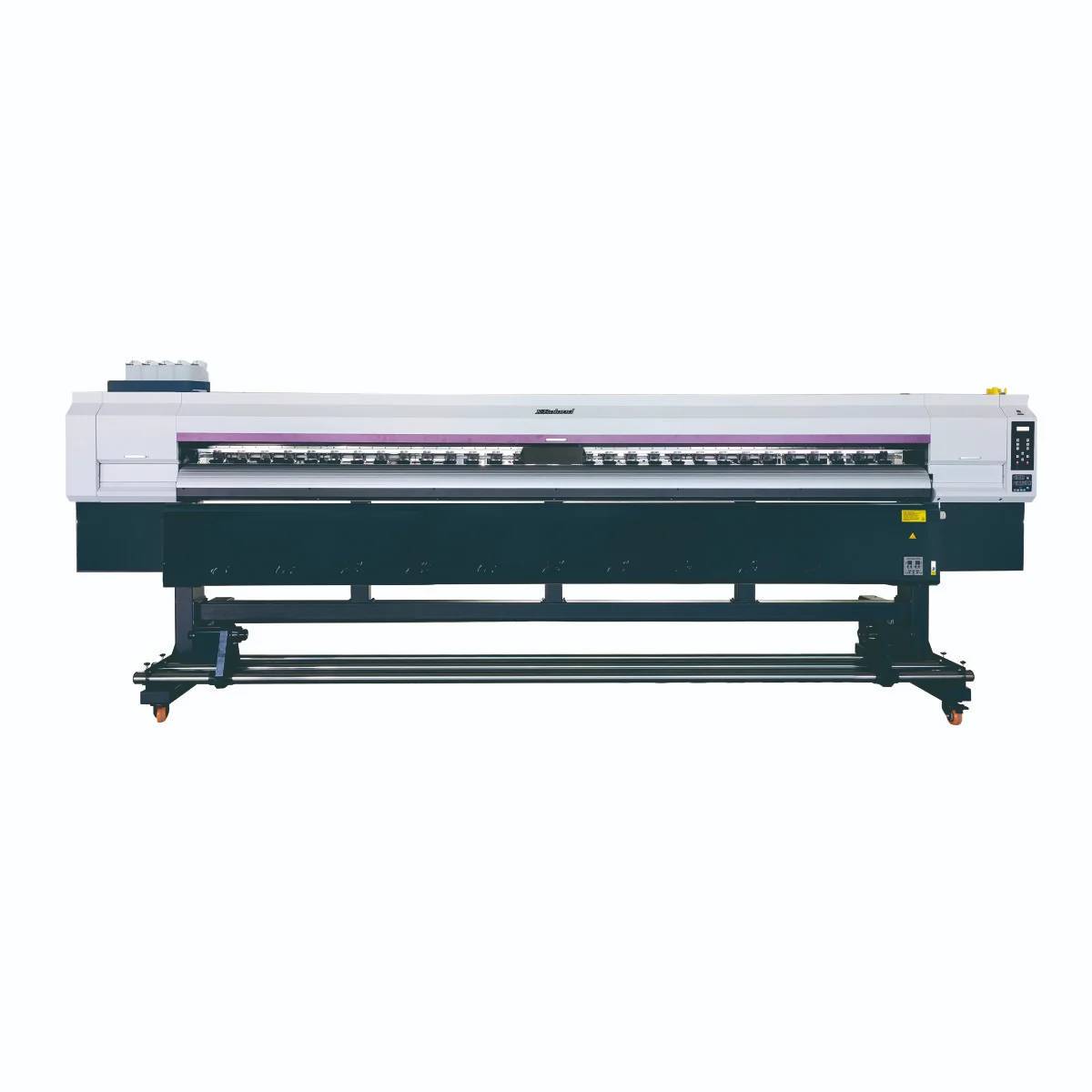
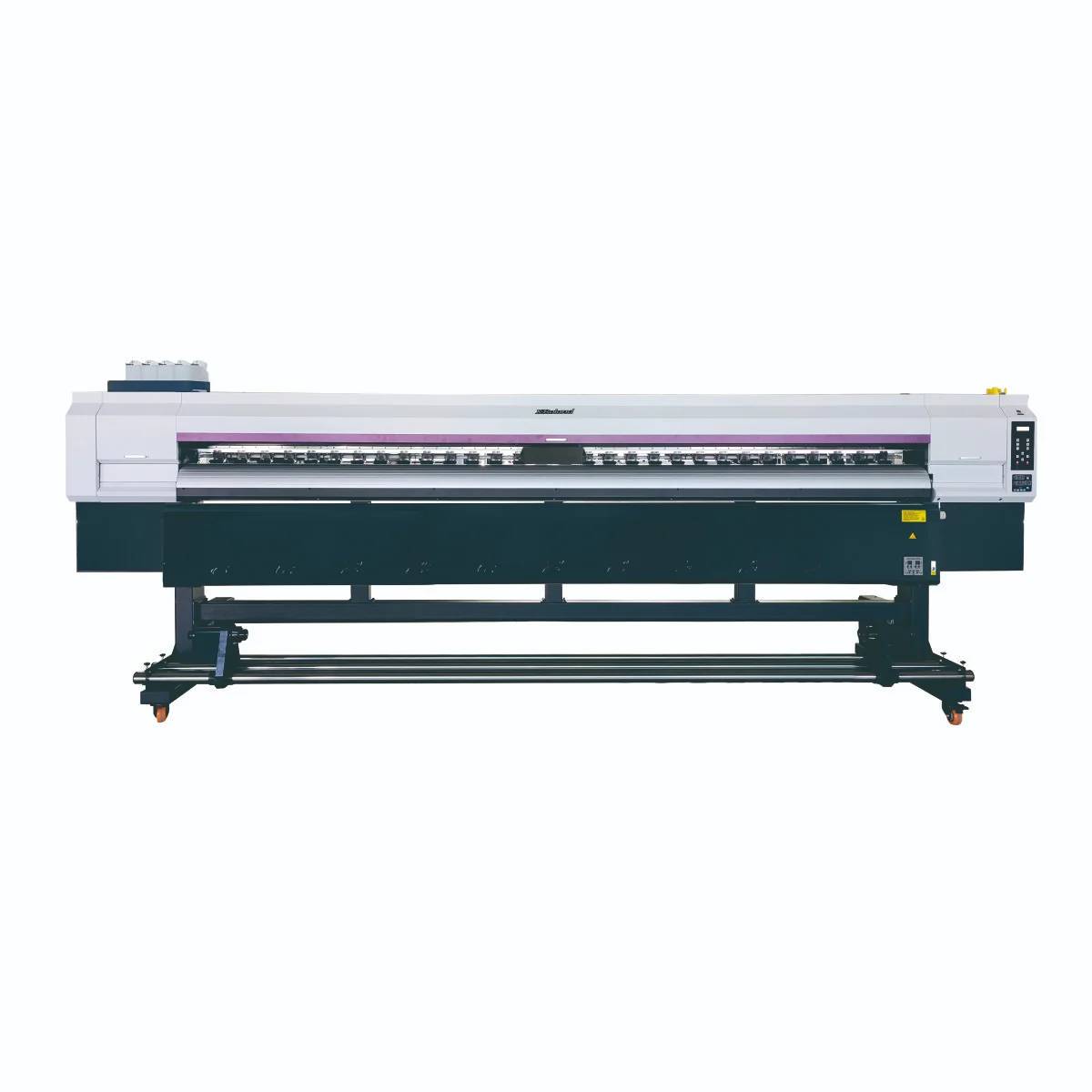
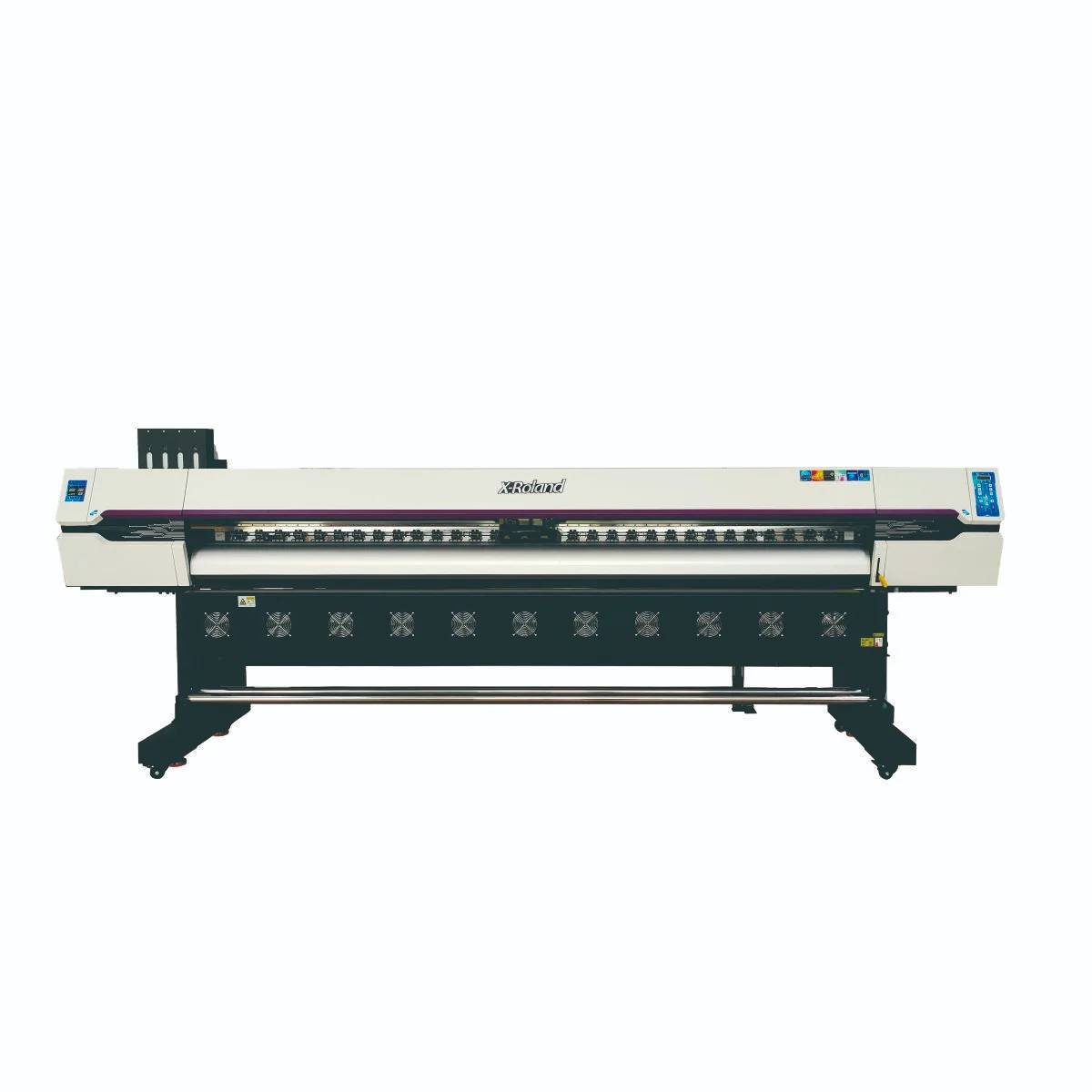
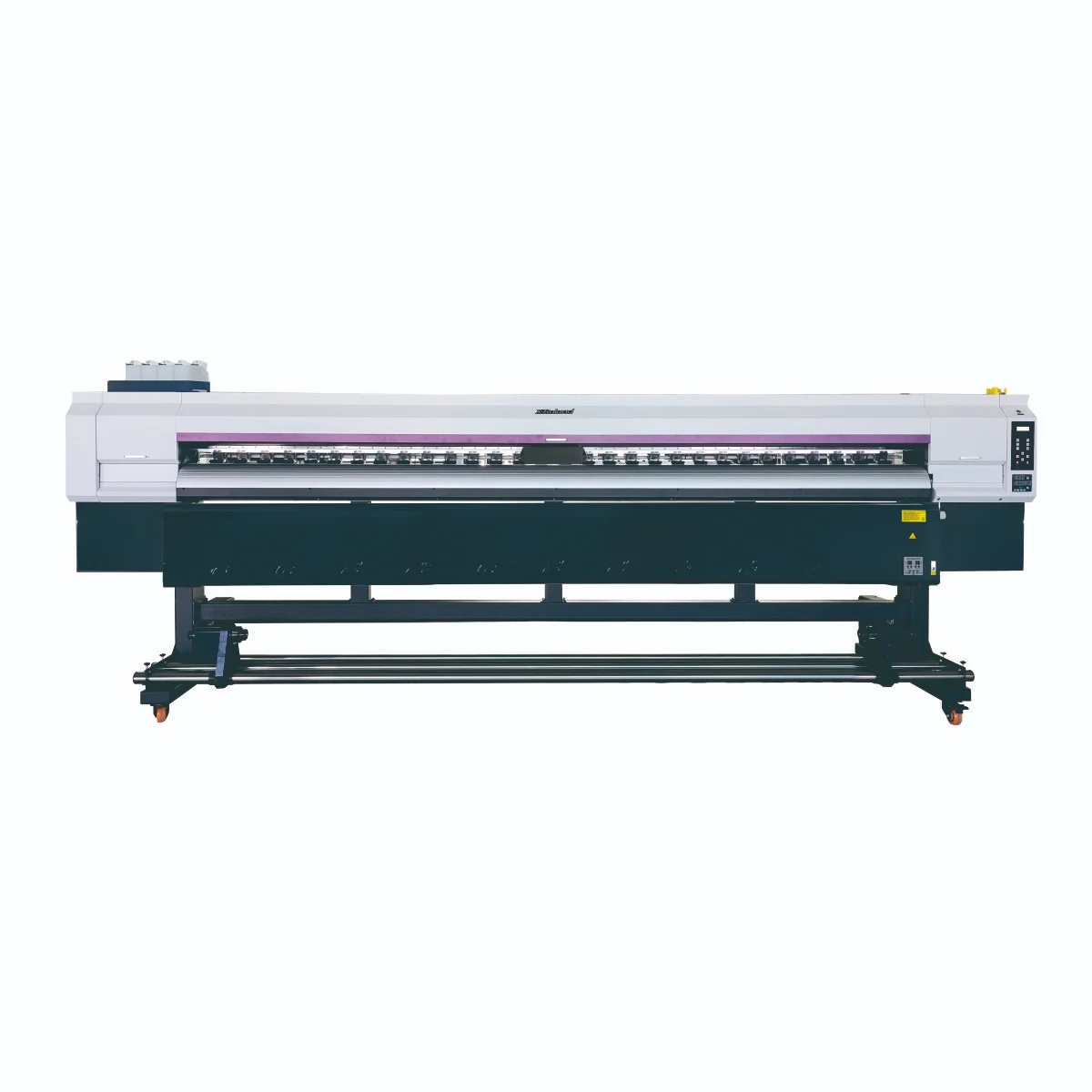
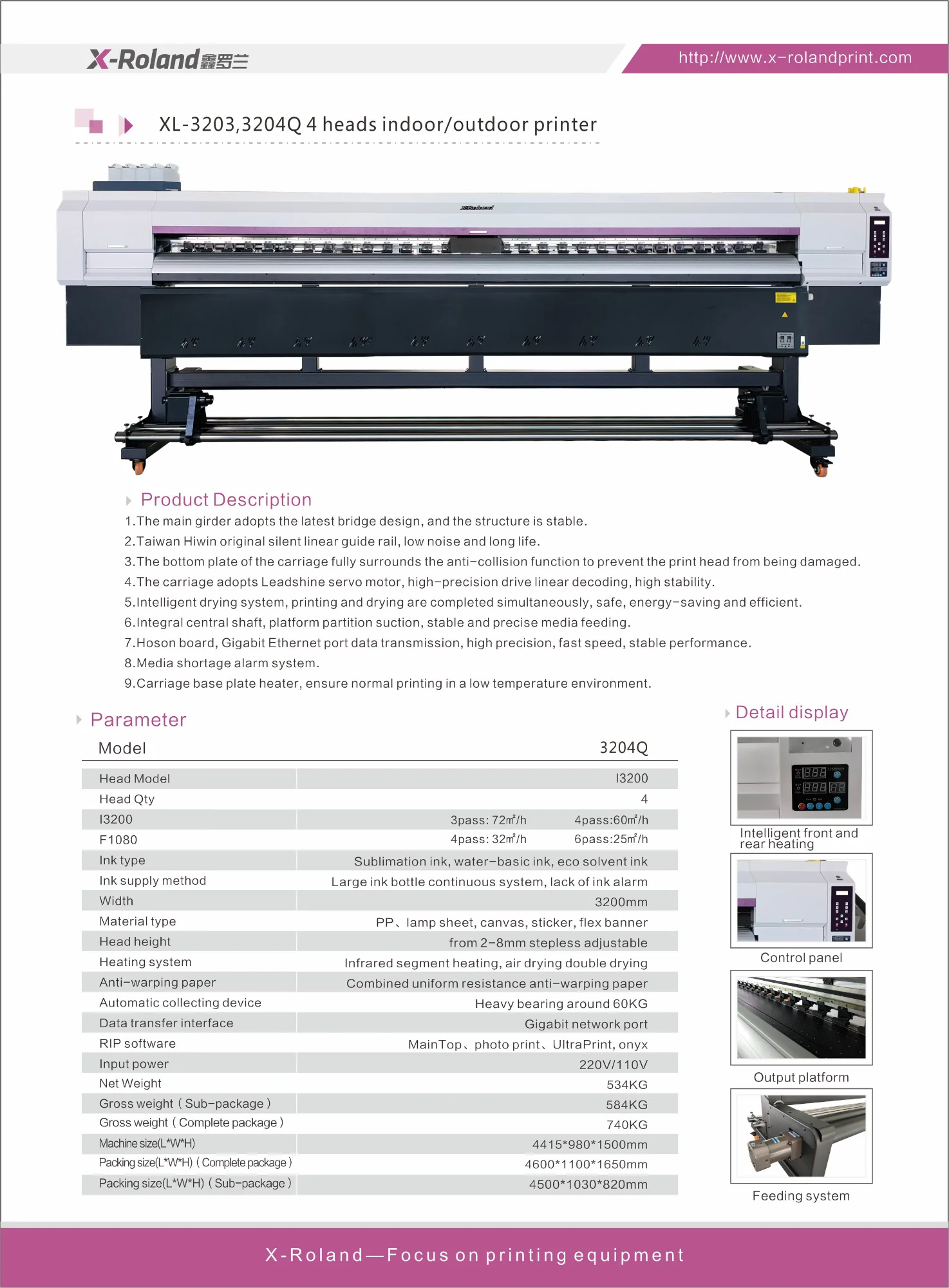
This machine has the visual profile of a large-format industrial printer, likely in the inkjet plotter or wide-format banner/sign printer category. The body is long and rectangular, with a white upper enclosure and darker lower base. It is mounted on a dedicated stand with wheels, which suggests a shop-floor installation rather than a fixed bench setup. The front opening indicates a media path designed for continuous feed or large-sheet handling, and the control panel on the right side gives the operator access to settings, status checks, and routine operation.
The visible hardware suggests a system built for controlled printing of large graphics, where smooth carriage motion and stable media feed are essential. While exact printhead configuration and internal print process are not confirmed, the name and construction indicate a multi-head industrial platform intended for indoor/outdoor graphic production.
Key specifications and visible capabilities
Industrial full-width format
The most obvious advantage is the full-width frame. This allows the printer to handle larger graphics that would be inefficient or impossible on smaller machines. For production teams, that means fewer tiled prints and less post-processing when creating signage or display graphics.
Integrated floor stand with casters
The printer is shown on a dedicated stand with wheels. That improves placement flexibility in a workshop, print room, or production area. Once positioned, the frame supports a stable operating environment; when layout changes are needed, the machine can be moved more easily than fixed equipment.
Front-access media path
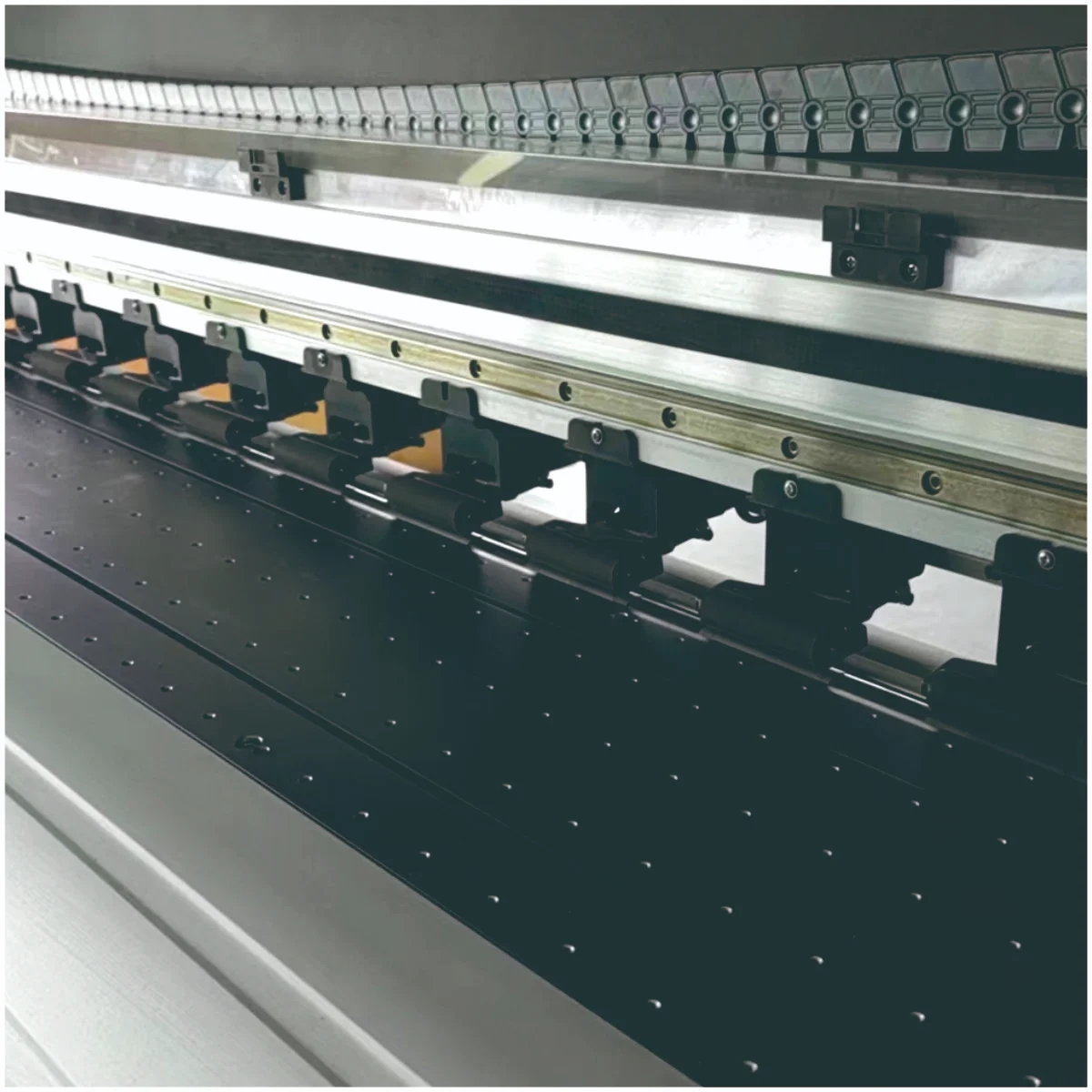
The front loading/printing slot supports operator access and media observation. This is important in production settings where alignment, tension, and feed consistency can influence the final result. A clear media path also makes routine checks faster.
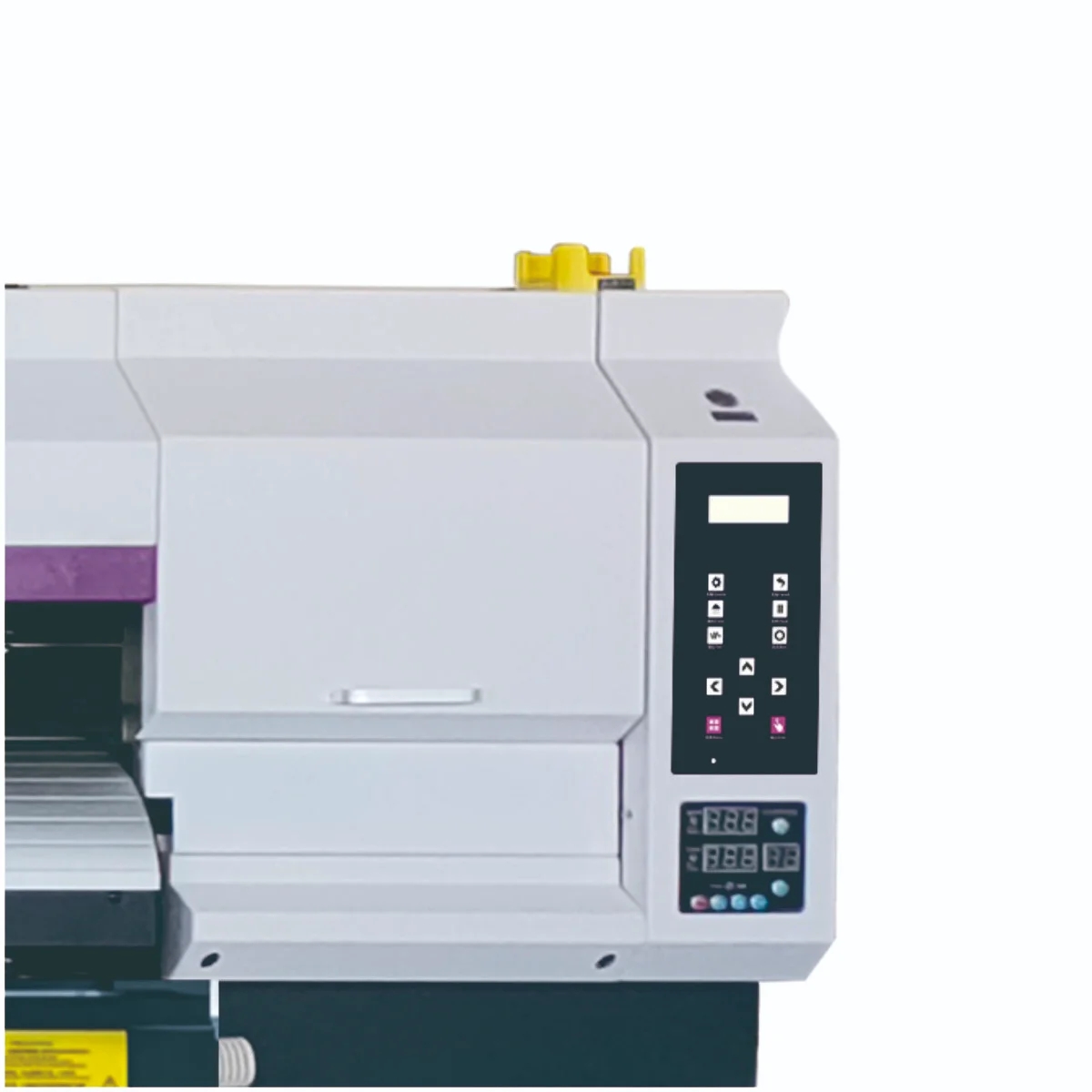
Built-in operator control panel
The right-side control interface provides a direct point of interaction for setup and monitoring. In practical use, this is where operators typically manage basic machine functions, job status, and process checks.
Materials and finish options
The product data does not specify the exact media or ink system, so it would not be correct to name a particular chemistry. In a broad sense, printers in this category are typically selected based on the media they need to support: roll goods, poster stock, banner material, signage substrates, and other large-format printable surfaces. Buyers should confirm the compatible media list before ordering.
Finish outcomes depend on the chosen consumables, the imaging workflow, and the final application. For example, graphics for indoor display may prioritize color appearance and surface quality, while outdoor signage often requires a system selected for durability requirements. Since those details are not visible here, the safest approach is to treat the XL-3203,3204Q 4 heads indoor/outdoor printer as a base platform and verify the finishing expectations with the supplier.
Manufacturing and operating process
Although the internal print engine is not fully visible, the machine is clearly arranged for digital production. The typical workflow for a printer of this type begins with media loading, followed by carriage positioning and test checks through the control panel. After setup, the machine performs controlled printing across the full width of the material path. The operator then monitors feed consistency and print progress through the front-access area and panel interface.
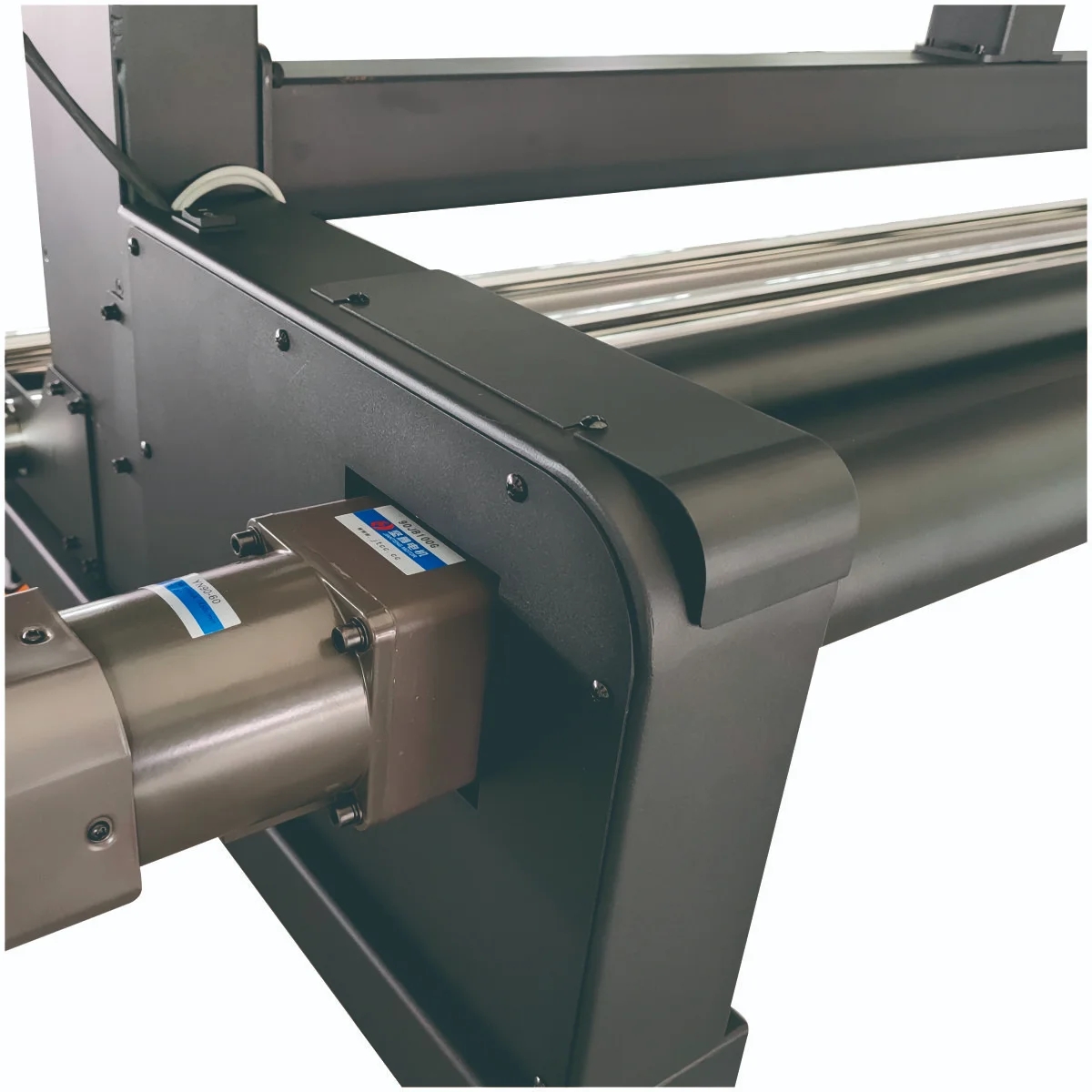
From a production standpoint, the value of this process is repeatability. Large-format jobs depend on steady motion, reliable media handling, and accessible controls. The visible rail assembly and long carriage path support that kind of workflow. If the printer is used for recurring signage or promotional graphics, the physical layout should make it easier to standardize job setup across batches.
Typical application scenarios
This printer is a natural fit for businesses producing large visual materials. Common use cases include banners, posters, indoor and outdoor signs, retail promotion graphics, exhibition backdrops, and vehicle-related graphics. It can also suit print service providers that handle custom orders with varying dimensions and short turnaround cycles.
In print shops, the machine may serve as a primary wide-format production unit or as a support printer for overflow work. In sign-making environments, the full-width form factor is useful for long graphics and display pieces that need consistent output across large surfaces. For trade show and event work, the ability to produce oversized graphics on a floor-standing machine can help teams keep fabrication in-house instead of outsourcing.
Quality control and production reliability
Because the detailed print engine specifications are not provided, quality control should be evaluated through the visible machine architecture and the supplier’s supporting documentation. For a printer in this class, buyers usually want stable media transport, accessible controls, and a clean service layout for routine maintenance. The left-side compartment shown in the product image may function as an ink or maintenance area, but its exact purpose should be confirmed.
When comparing machines, ask about alignment support, maintenance access, and how the system handles repeated production use. A machine with a clear operator interface and robust frame design is generally easier to manage during busy print schedules. For commercial buyers, that often matters more than marketing claims.
Customization and buyer guidance
Before purchasing the XL-3203,3204Q 4 heads indoor/outdoor printer, clarify the core production requirements. Start with the intended media width, the kinds of graphics you plan to produce, and whether the machine will be used mainly indoors, outdoors, or both. Next, confirm the print technology, supported ink type, and compatible consumables. Those factors affect not only print appearance but also operating cost and maintenance planning.
It is also worth reviewing shop space and workflow. Since this is a long, floor-standing unit, buyers should plan for clearance around the printer, access to the control side, and room for loading or removing media. If the machine will be used by multiple operators, the interface and service access become especially important. For higher-throughput environments, ask how the printer is configured for consistent operation across repeated runs.
How to evaluate this printer before purchase
Several decision factors should guide the buying process. First is application fit: ensure the printer aligns with your target jobs and output size. Second is serviceability: look for easy access to routine maintenance areas and straightforward operator controls. Third is media compatibility: verify that the machine can handle your preferred substrates. Fourth is production workflow: consider whether the stand, casters, and front-loading layout work with your shop’s space and job sequence.
For many buyers, the right choice is the machine that reduces handling time and supports stable daily production. This model’s visible construction suggests it was designed with that goal in mind.
Request more details for your production setup
If you are comparing wide-format options and want to know whether the XL-3203,3204Q 4 heads indoor/outdoor printer fits your business, request the full specification sheet and confirm the print technology, media support, and maintenance requirements. A clear equipment match at the beginning usually saves time later in installation, training, and job setup.
Share your target applications, production volume, and media requirements with the supplier so the configuration can be checked against your workflow. That is the most reliable way to choose a printer for real shop conditions, not just for a brochure description.