
Interior surfaces
Home Décor
Decorative surfaces that turn artwork into product-ready interior details.
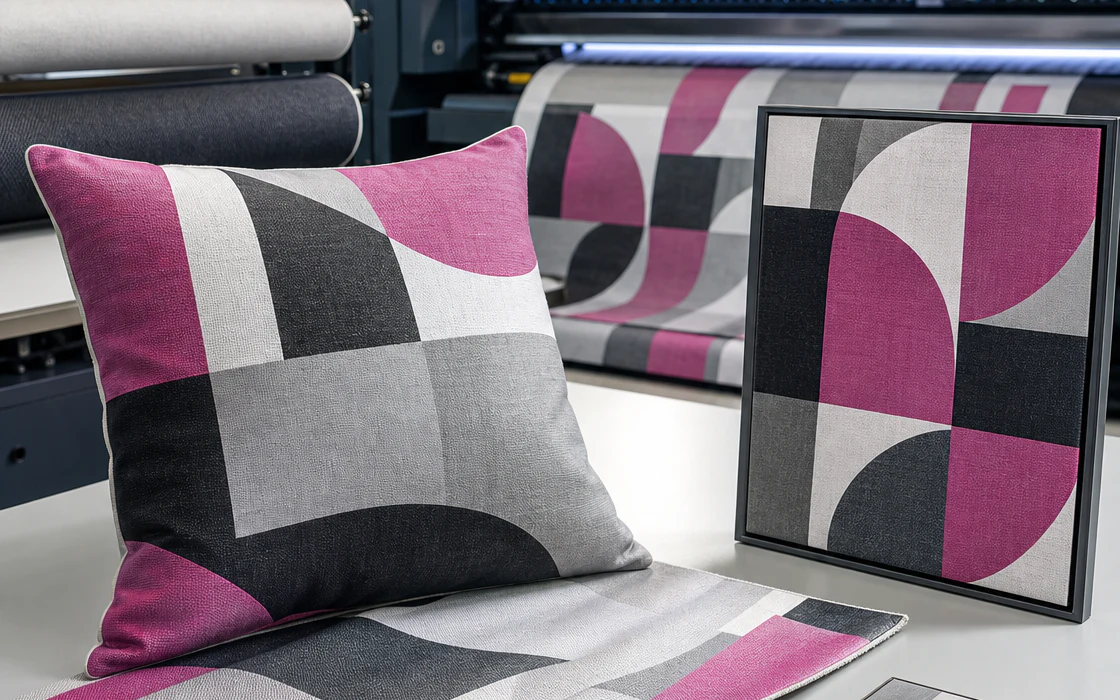
Application overview
Build the workflow around the finished result.
Translate artwork into coordinated soft furnishings, wall pieces, and decorated objects while protecting texture, scale, and repeatable color.
Materials
- Polyester textiles
- Wood, acrylic, and ceramic
- Coated panels and decorative films
Typical output
- Soft furnishings
- Wall art and panels
- Personalized accessories
Production priorities
Three things the system has to protect.
The right route connects the creative brief to the realities of daily production.
Surface matching
Choose a process that respects the texture, coating, shape, and use of each interior product.
Coordinated color
Keep a collection visually connected across textiles, rigid pieces, and different production lots.
Everyday durability
Test the finished surface for light, cleaning, abrasion, and handling in its intended setting.
Production route
A disciplined path from brief to repeat run.
Treat each checkpoint as part of the output, not as a handover between disconnected steps.
Build the collection
Map artwork, scale, repeats, and color relationships across the planned product set.
Test the surface
Sample the real textile or object to confirm color, texture, adhesion, and finish.
Print or transfer
Run the approved profile with controlled heat, pressure, ink laydown, or curing.
Finish as a product
Sew, mount, trim, clean, and inspect each piece in the form the customer will receive.
Recommended systems
Equipment routes for home décor.
Use these starting points to frame a practical equipment conversation around your materials and production volume.
Start with your application